
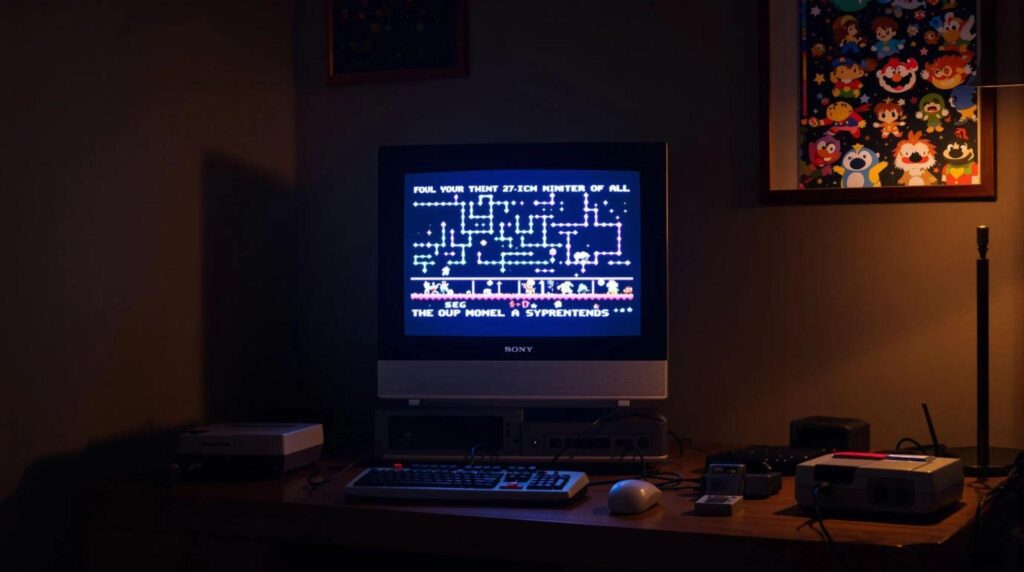
If you’re like us, you probably get a little misty-eyed thinking about the pixelated glory of your childhood gaming experiences. Nothing screams retro quite like playing classic titles on a CRT (Cathode Ray Tube) monitor. Sure, modern displays are sleek and shiny, but do they truly capture the essence of your favorite childhood games? We think not. Join us as we explore the best CRT options for retro gaming, why CRTs excel for this purpose, and how to keep that glorious nostalgia glowing for years to come.
Why CRTs Are Ideal For Retro Gaming
When it comes to retro gaming, CRTs are the ultimate choice. Their unique display technology creates rich colors and deep contrasts that simply can’t be matched by LCDs or LEDs. Remember that vibrant 16-bit universe? CRTs excel in showcasing those pixelated graphics exactly how game developers intended.
Also, CRTs have a natural ability to handle motion blur, which makes fast-paced gaming feel smooth and responsive. We can’t forget about the input lag: these old-school displays respond almost instantaneously. In fact, using a CRT allows us to enjoy games like Street Fighter II without the frustration of delayed moves. Just imagine the satisfaction of landing that perfect combo.
Finally, let’s not overlook the nostalgia factor. Pulling out a CRT for the ultimate retro gaming experience is like revisiting an old friend. The classic flicker, the curves of the screen, and the satisfying weight when we lift one can transport us back in time in an instant.
Key Features of a Good CRT
Not all CRTs are created equal, and understanding what makes a great one is essential for our gaming setup. Here are some key features to consider:
Screen Size: Choose a size that fits your space and viewing preference. A 20 to 27-inch screen strikes a great balance for most retro gamers.
Resolution: Look for a model that supports at least 480i resolution for clear visuals. Lower resolutions won’t do those pixel art graphics justice.
Refresh Rate: A 60Hz refresh rate is standard for most retro games, ensuring smooth gameplay without flickering.
Aspect Ratio: We want our games displayed in their original 4:3 aspect ratio. This keeps everything proportional, just like it was on those old-school consoles.
Inputs: Make sure your CRT has the right connections. Composite and S-Video inputs are commonly needed for most retro consoles.
Top Recommendations For Retro Gaming CRTs
Now that we know what to look for, let’s jump into some top CRT recommendations for enhancing our retro gaming experience.
Sony Trinitron KV-27FS120: This 27-inch powerhouse is a fan favorite, known for its sharp picture quality and rich colors. It offers multiple inputs, including S-Video.
Samsung TXN2792: Another solid pick, this model features a stunning picture and excellent motion handling. With its versatile input options, it can connect to a variety of older consoles.
Panasonic CT-27SX12: This model strikes a balance between affordability and performance. Although it’s more budget-friendly, it doesn’t skimp on picture quality.
Mitsubishi CT-27306: Ideal for those who want performance without very costly, this CRT offers great images and a 27-inch screen that’s just perfect for our gaming marathons.
How To Properly Set Up Your CRT
Setting up our CRT correctly is crucial to ensure optimal performance and enjoyment. Here are steps we should follow:
Find the Right Location: CRTs can be quite heavy, so choose a stable surface that can support the weight. Ensure it’s also at a comfortable viewing height to reduce strain.
Input Connections: Use high-quality cables for the best signal. S-Video offers better quality than standard composite connections. If we’re connecting multiple consoles, consider using a switch to easily toggle between them.
Calibration: Spend some time calibrating the brightness, contrast, and color settings. Each model may require different adjustments, and this ensures a clearer image.
Maintaining Your CRT For Longevity
Once we have our CRT set up and running, taking care of it is essential for longevity. Here’s how to keep everything in tip-top condition:
Cleaning: Dust can accumulate, so gently clean the screen with a microfiber cloth and a suitable cleaning solution. Avoid abrasive materials that could scratch the surface.
Temperature Control: CRTs can generate heat. Avoid placing them in direct sunlight or near heating vents to prevent overheating.
Storage: If we plan on storing a CRT, ensure it’s in a cool, dry place. Cover it to protect against dust, and consider keeping it upright to avoid damage.