
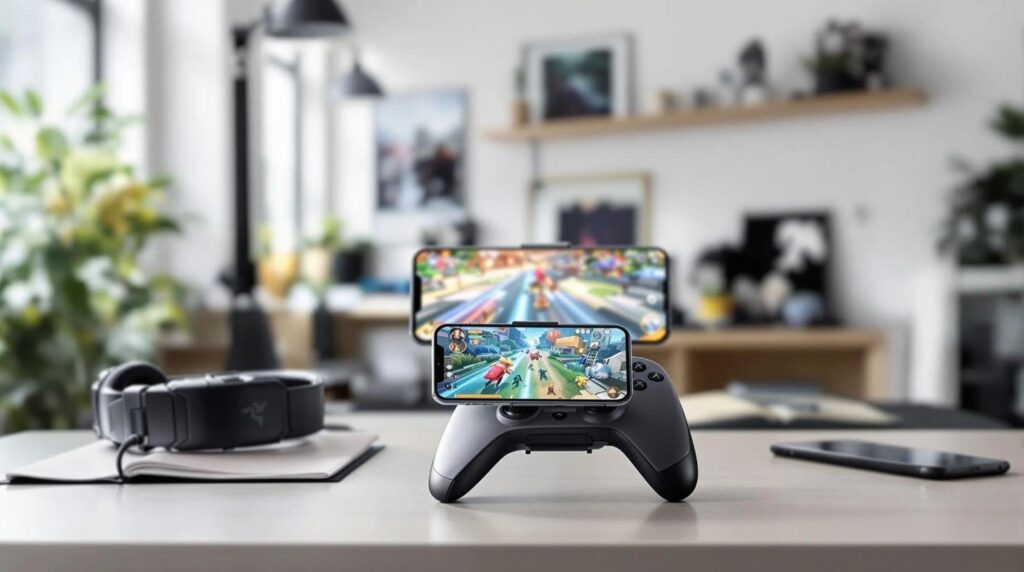
If you’ve ever tried to play mobile games on your iPhone using just your fingers, you know the struggle is real. We’ve all been there, sweaty palms, missed shots, and a screen that looks like a Jackson Pollock painting after a session. Let’s face it, gaming on our beloved iPhones can be a bit chaotic. But, fear not. The solution lies in the best gaming controllers for iPhone that can bring precision and joy back into our gameplay. So, buckle up as we jump into this ultimate guide and transform your mobile gaming experience.
Benefits of Using a Gaming Controller with Your iPhone
Using a gaming controller with your iPhone is like adding a turbo boost to a sports car. First off, let’s talk accuracy. Touchscreens can be finicky, but controllers provide tactile feedback that enhances our aim and response time. Who doesn’t want to be the MVP in their next online match? Next, there’s the comfort factor. Long gaming sessions can lead to cramped fingers after a while. A controller allows us to game for hours without straining our hands or wrists. Plus, the controls are often more intuitive, giving us a smooth gameplay experience that can feel oh-so-sweet.
Did we mention the variety of games now supporting controllers? From action-packed shooters to intricate puzzles, using a controller expands our gaming horizon. If we really want to level up our iPhone gaming, investing in a quality controller is a no-brainer.
Types of Gaming Controllers Compatible with iPhone
Choosing the right gaming controller can be a bit overwhelming given our options. First, we have the Bluetooth controllers, which connect wirelessly and offer us the freedom to lounge on the couch while we frag enemies. Popular brands include Xbox and PlayStation controllers, both of which are known for their robust compatibility and excellent build quality.
But don’t overlook the mobile-specific controllers. Brands like Backbone and Razer Kishi have designed controllers specifically for mobile gaming, providing us with incredible ergonomics and a seamless fit for our phones. They not only enhance grip but also often come with features geared toward optimizing mobile play. Finally, we have console adapters, which can connect our favorite console controllers to our iPhones. This option combines nostalgia with convenience, allowing us to enjoy our favorite games comfortably.
How to Connect a Gaming Controller to Your iPhone
Connecting a gaming controller to our iPhone is easier than finding a cat video on the internet. First, let’s ensure Bluetooth is enabled on our device by swiping down from the top right corner and tapping the Bluetooth icon. Next, put our controller in pairing mode. For many controllers, that just means pressing a specific button combo. Check the manual if we’re unsure.
Once the controller is in pairing mode, it should appear in our phone’s Bluetooth menu. Just tap on its name and voila. We’re ready to roll. To double-check if it’s working, open a supported game and give those buttons a test. If they’re responsive, we’re all set for epic adventures.
Top Gaming Controllers for iPhone in 2025
As we jump into the top controllers, we should keep an eye out for what’s trending in 2025. One standout is the Razer Kishi, which fits snugly on our iPhones and offers ultra-low latency, making it perfect for competitive gaming. The Backbone One is another hot contender, known for its impressive build quality and customizable buttons. Both controllers are about as versatile as they come.
Don’t forget about the Xbox Series X controller and DualSense from PlayStation. While these are not specifically designed for mobile, their Bluetooth functionality makes them compatible with our iPhones, offering a premium experience that’s hard to beat. If we’re looking for something unique, the GameSir X2 is also worth considering for its flexibility and mobile compatibility, appealing to gamers of all levels.
Tips for Optimizing Your Gaming Experience on iPhone
Let’s sprinkle in some tips for optimizing our gaming experience. First, make sure our iPhone is updated to the latest software version. Apple is known for rolling out updates that improve gaming performance, so don’t skip those notifications. Next, keep our battery charged. Gaming on a low battery can lead to performance drops, not to mention that heart-stopping fear of running out mid-game.
Adjusting graphics settings in-game can also help streamline performance. Some mobile games allow us to lower the graphical intensity for smoother gameplay, especially on older devices. Finally, consider investing in a stand or grip for our iPhone. This minor adjustment can make a world of difference in how long we can game comfortably.